In this article
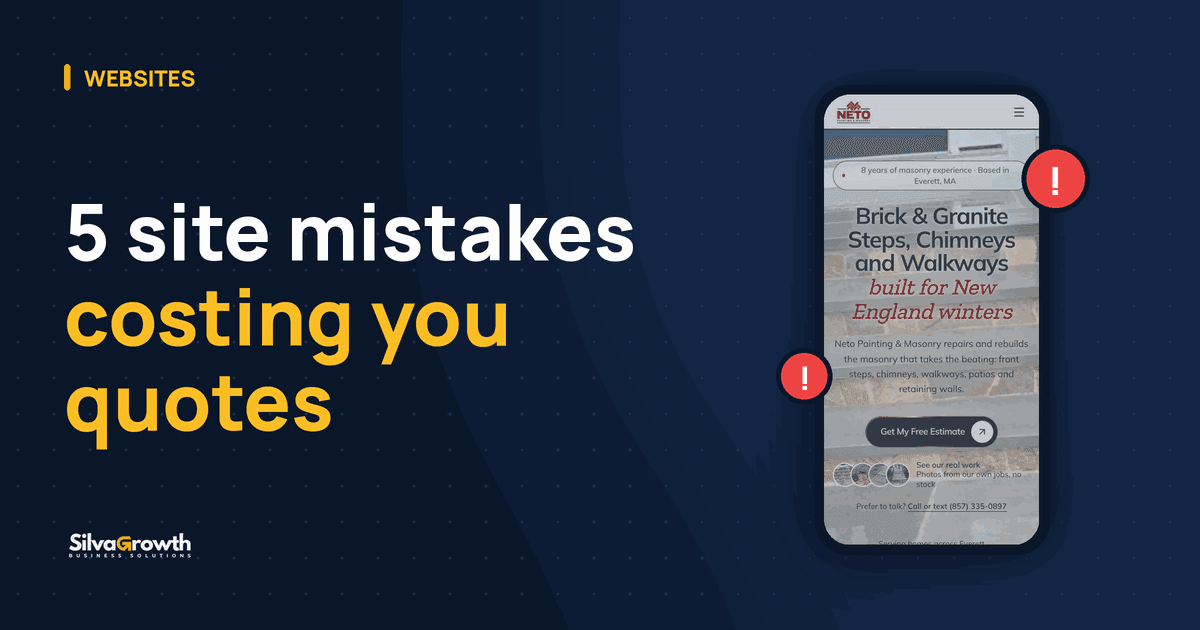
Website not getting leads? Often the problem isn't traffic, it's the path to contact. A phone number that won't dial with one tap, a slow mobile site, no clear service and city, no proof of trust, and no tracking all push people who were ready to hire to leave without asking for an estimate.
Here are the 5 mistakes we see most on websites for painters, cleaning companies, landscapers, and contractors, and how to fix each one, in the order worth fixing.
Mistake 1: customers can't reach you with one tap
People looking for a local service are almost always on their phone. If they have to copy your number, open the dialer, and type it in, some of them give up halfway.
The most common problems:
- Phone number written as plain text or inside an image, so tapping it does nothing.
- No WhatsApp or text button, or it only shows up at the very bottom.
- The "Get a quote" button buried in the menu.
- A form with too many fields, asking things you only need to know later.
What to fix
- A tap-to-call phone number at the top and bottom of every page.
- A WhatsApp button that stays visible on mobile.
- A clear "Get a Free Estimate" button on the first screen.
- A short form: name, contact, service, and city are enough to get started.
- A thank-you page after the form is sent, so people know it went through.
Mistake 2: the site is slow or breaks on mobile
Google's ranking systems look to reward pages with a good page experience, and Core Web Vitals (loading, responsiveness, and visual stability) are part of that. Customers feel it too: a page that takes forever to load loses people before they see anything.
Some common culprits:
- A heavy video at the top of the page that delays the first screen.
- A video that opens full screen on iPhone and pulls people off the site.
- A first screen that gets cut off by the phone's browser bar.
- Zoom turned off, which makes it hard for people who need bigger text.
- Huge, uncompressed photos uploaded straight from the camera.
What to fix
Ask whoever runs your website to test the mobile speed, for example in Google's PageSpeed Insights, and show you the result. Use light images, a cover photo instead of a heavy video when it makes sense, and check the site on more than one device.
Mistake 3: it isn't clear what you do and where
It sounds obvious, but many sites open with a vague headline and a nice photo, without saying the service or the city. The customer isn't sure you cover their area, and neither is Google.
A website that brings in quotes answers this right away: what service, which cities, and how to ask for a quote.
What to fix
- Page titles with the service and the city, for example "Interior Painting in Worcester, MA".
- A separate page for each main service.
- Pages for each city you serve with content that is truly about that city, not the same text with only the name swapped. Google's spam policies treat that kind of copy and paste as doorway abuse.
- A short, direct answer at the top of each page explaining what you do there.
- Your business name, address, and phone number exactly the same on your site and on your Google Business Profile. No profile yet? See how to get your business on Google Maps.
Want a website built for your business?
A professional website for $70/month, with domain, hosting and Google Maps setup included. No contract.
Mistake 4: there's no proof you can be trusted
Someone about to let a stranger into their home or pay for a remodel wants signs that the business is legit. Generic lines like "welcome to our website" or "your trusted partner" don't convince anyone.
What actually builds trust:
- Real photos of your work, your crew, and before and after shots.
- Real customer reviews, ideally your Google reviews.
- License and insurance, if you have them.
- How long you've been in business and the owner's name.
These signals also make it clear, to readers and to AI search tools, who the business is, what it does, and where it works.
Website trust checklist
Check off what you have done. It stays saved in this browser.
Mistake 5: a website not getting leads, and no tracking to show why
Many business owners have no idea how many people tapped the phone number or sent a message through the site. Without that data, you can't tell whether the problem is no visitors or no contact.
What to fix
- Google Analytics (GA4) installed and counting phone clicks, WhatsApp clicks, and form submissions.
- Google Search Console set up with your sitemap submitted, so you can see which searches you show up for.
- A Google Business Profile created and verified. Verification is done by the owner, and it's how a lot of people find service businesses on Maps.
With that in hand, you stop guessing and start fixing what the numbers show.
How Silva Growth handles this
The websites we build come with tap-to-call, a WhatsApp button, a short form, mobile-first pages, and GA4 and Search Console already set up. The plan is $70 a month, domain and hosting included, and we set up your Google Business Profile on Google Maps.
As a bonus, we create your business Instagram and Facebook and handle 1 month of posts, 3 per week. After that, if you want to keep going, it's $3 per post and you pick the days. No contract. If you're torn between a DIY builder and a site made for your business, compare them in website builder vs custom website.
A well built website makes it easier to get to a quote request, but nobody can guarantee a number of customers or a position on Google. Results come over time, from your site, your Business Profile, and real reviews working together.
Quick summary
- Phone, WhatsApp, and the quote button need to work with one tap on a phone.
- A slow or broken mobile site loses customers before they see your work.
- Make the service and the city clear on every page, matching your Google info.
- Real photos and real reviews are worth more than any fancy headline.
- Track clicks and form submissions so you know what to fix.
Want us to take a look at your website or build a new one that's ready for quote requests? Reach out to us.
Frequently asked questions
Why is my website getting traffic but no leads?
Usually the problem is the path to contact: a phone number that doesn't dial with one tap, a hidden quote button, a slow mobile site, or no proof of trust like real photos and reviews. Fixing these makes it easier to reach you, but no honest agency can guarantee a number of customers.
Do I need a contact form, or is a text button enough?
Ideally, have both. Some customers prefer to text and others prefer a short form. What matters is that both are easy to find on a phone and the form only asks for what you really need.
Do stock photos hurt my website?
They won't break your site, but they don't show your work. Real photos of your jobs, your crew, and before and after shots build much more trust, both with customers and with Google and AI tools.
How do I know if my website is generating leads?
Set up Google Analytics (GA4) to count phone clicks, WhatsApp clicks, and form submissions, and use Google Search Console to see which searches your site shows up for. Without that, you can't tell what is working.
Was this article helpful?
Ready to put this into practice?
We build your website for $70/month, with domain, hosting and Google Maps setup included, and we also set up your business Instagram and Facebook. No contract.
Related service: Websites

Founder of Silva Growth
15 years in marketing, 10 of them in the US, building websites and Google profiles for service businesses.
Follow Silva Growth